

I needed to create a custom throttling policy that matched M365 limits or close to those limits and assign these to all user mailboxes.
The script has the PSSnapin for Exchange 2019 added so that you can run this from PowerShell ISE if you want to watch it or step through the script.
Below you can see that I ran this in PowerShell ISE but you can use normal PowerShell or the Exchange Management Shell:
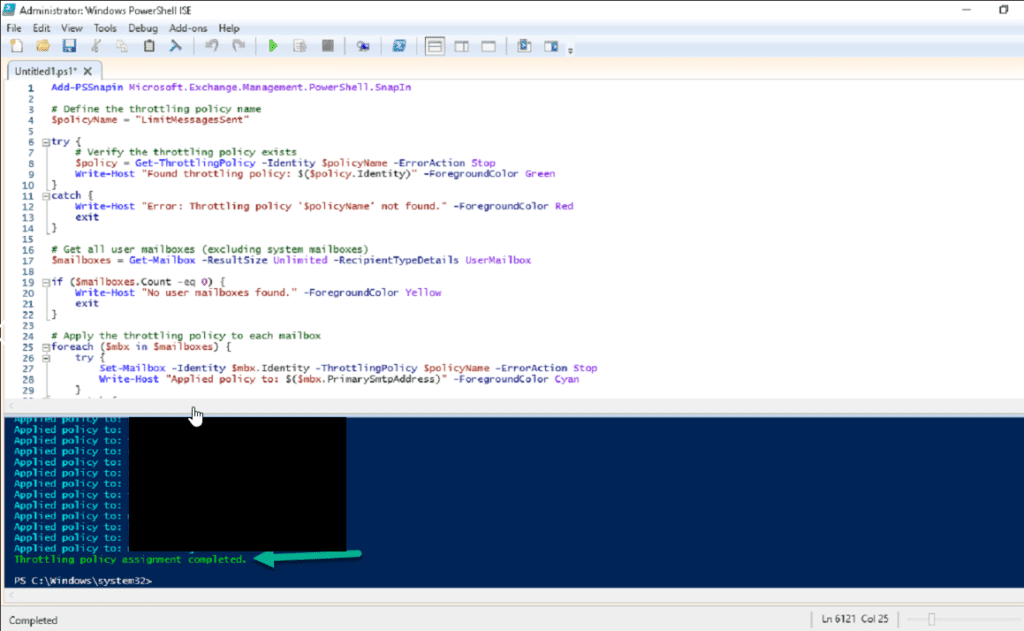
Script
You only need to modify one section of the script which is the following:
- PolicyName – Specify the name of the policy you want to apply to all users
The script below was tweaked with Claude to add comments in:
Add-PSSnapin Microsoft.Exchange.Management.PowerShell.SnapIn

# Define the throttling policy name
$policyName = "ThrottlingPolicyName"

try {
    # Verify the throttling policy exists
    $policy = Get-ThrottlingPolicy -Identity $policyName -ErrorAction Stop
    Write-Host "Found throttling policy: $($policy.Identity)" -ForegroundColor Green
}
catch {
    Write-Host "Error: Throttling policy '$policyName' not found." -ForegroundColor Red
    exit
}

# Get all user mailboxes (excluding system mailboxes)
$mailboxes = Get-Mailbox -ResultSize Unlimited -RecipientTypeDetails UserMailbox

if ($mailboxes.Count -eq 0) {
    Write-Host "No user mailboxes found." -ForegroundColor Yellow
    exit
}

# Apply the throttling policy to each mailbox
foreach ($mbx in $mailboxes) {
    try {
        Set-Mailbox -Identity $mbx.Identity -ThrottlingPolicy $policyName -ErrorAction Stop
        Write-Host "Applied policy to: $($mbx.PrimarySmtpAddress)" -ForegroundColor Cyan
    }
    catch {
        Write-Host "Failed to apply policy to: $($mbx.PrimarySmtpAddress) - $($_.Exception.Message)" -ForegroundColor Red
    }
}

Write-Host "Throttling policy assignment completed." -ForegroundColor Green